
Reel Tidy
Card to organized library
Plug in a card, click once. Reel Tidy copies your shoot into dated folders with newsroom-style filenames — then mirrors the whole library to your backup drive.

One rule, applied to everything
Reel Tidy sorts by media type and capture date, then renames every file the same way: date, time, and the camera's own frame number.
<Library>/<Images|Raw|Videos>/YYYY_MM_DD/YYYYMMDD_HHMMSS_<seq>.EXT
On the card
DCIM/111_FUJI/DSCF0001.JPG
In your library
Images/2026_01_31/20260131_153045_0001.JPG
- 20260131
- Capture date, read from the file's own metadata.
- 153045
- Capture time, in the camera's local timezone — a frame shot at 23:30 in Tokyo files under the Tokyo day.
- 0001
- The camera's own frame number, preserved verbatim. The number on the back of the camera is the number in the filename — and it is what keeps a burst in order.
Bursts stay in the order you shot them
Capture time is recorded only down to the second. Shoot a burst at ten frames a second and all ten files carry the same timestamp — so anything sorting purely by capture time is free to hand them back in any order at all. Reviewing a sequence becomes a puzzle: the frame where the expression lands can end up before the one that set it up.
Reel Tidy appends the camera's own frame counter, which never repeats and only ever climbs. A plain sort by name — what Finder does by default, and what almost every other app falls back on — is the order you actually shot in.
- 20260131_153045_0001.JPG
- 20260131_153045_0002.JPG
- 20260131_153045_0003.JPG
Same second, three frames, never ambiguous.
Plain folders and plain filenames. No catalog, no database, nothing that needs Reel Tidy installed to read your own work later.
A look at Reel Tidy
Import
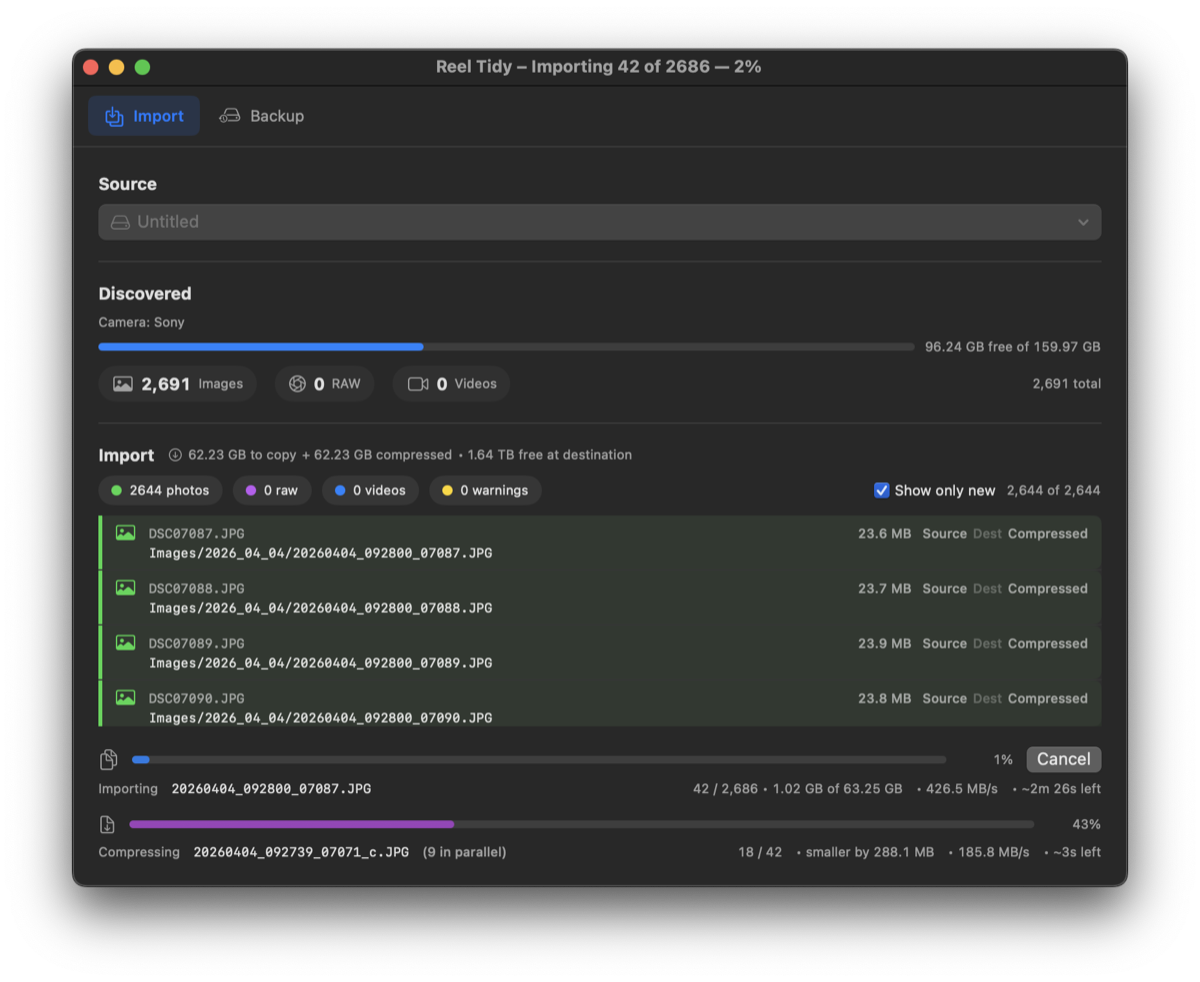
2,686 files. One click.
Live speed and an honest ETA. Optional compression runs alongside the copy, so a second pass over the shoot costs you nothing.
Your library
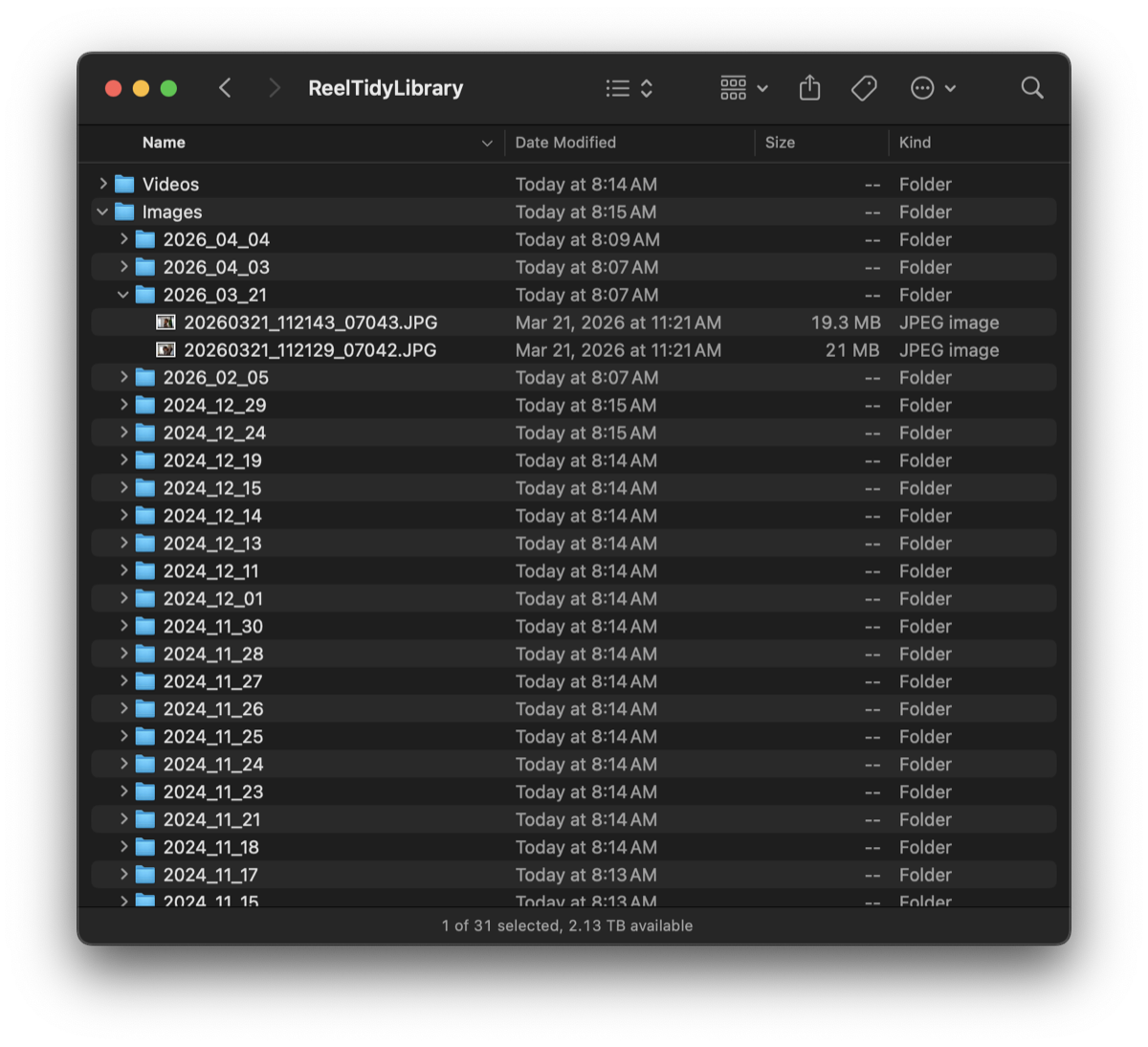
Finder Friendly Results
Images, Raw, and Videos, split by capture date. Plain folders any app can read — and that you can still read in ten years without us.
Sources
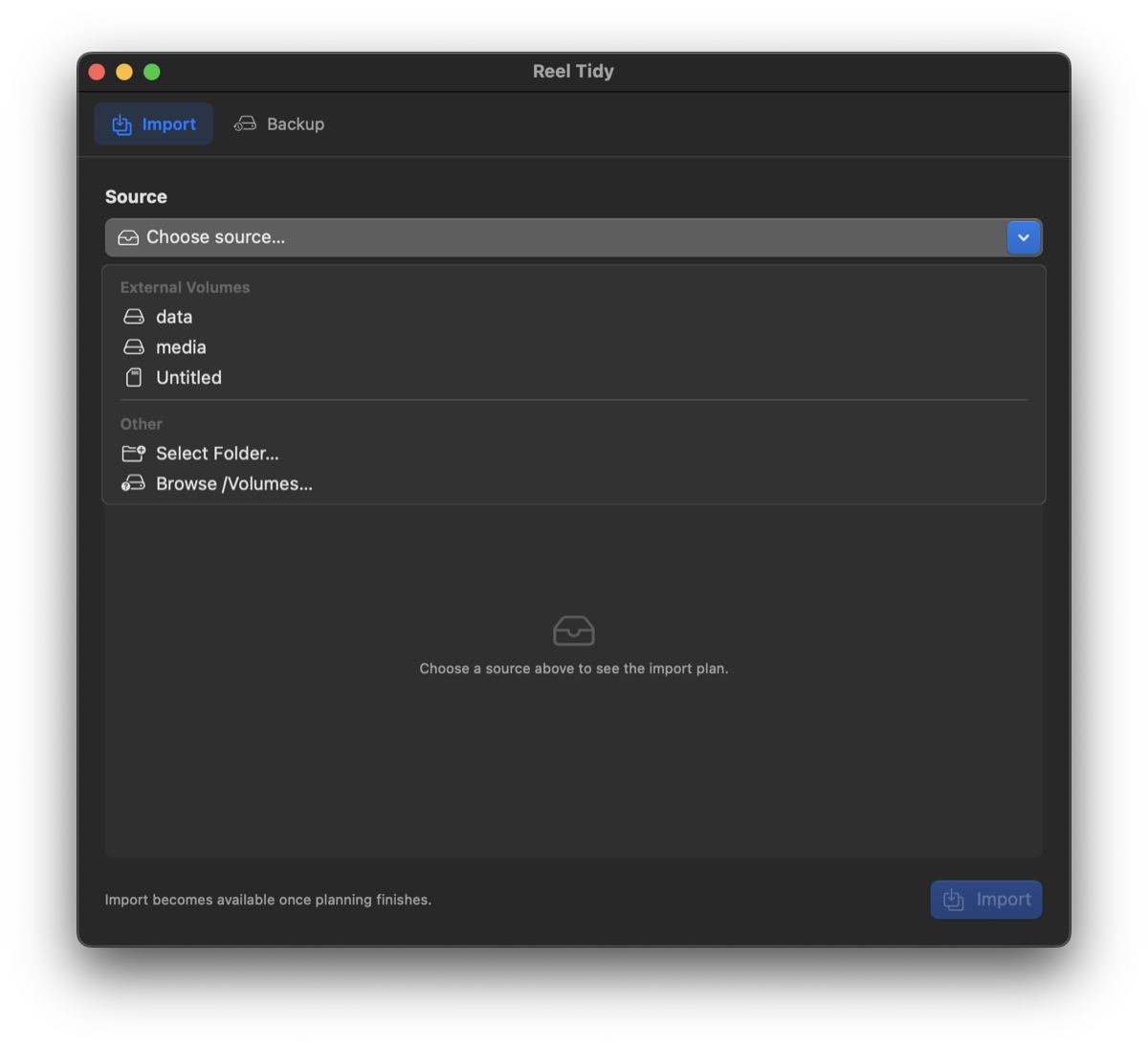
Any Card Any Drive
SD, CFexpress, USB, or any folder on disk. You choose the source, Reel Tidy scans it and shows you the plan before it writes anything.
Backup
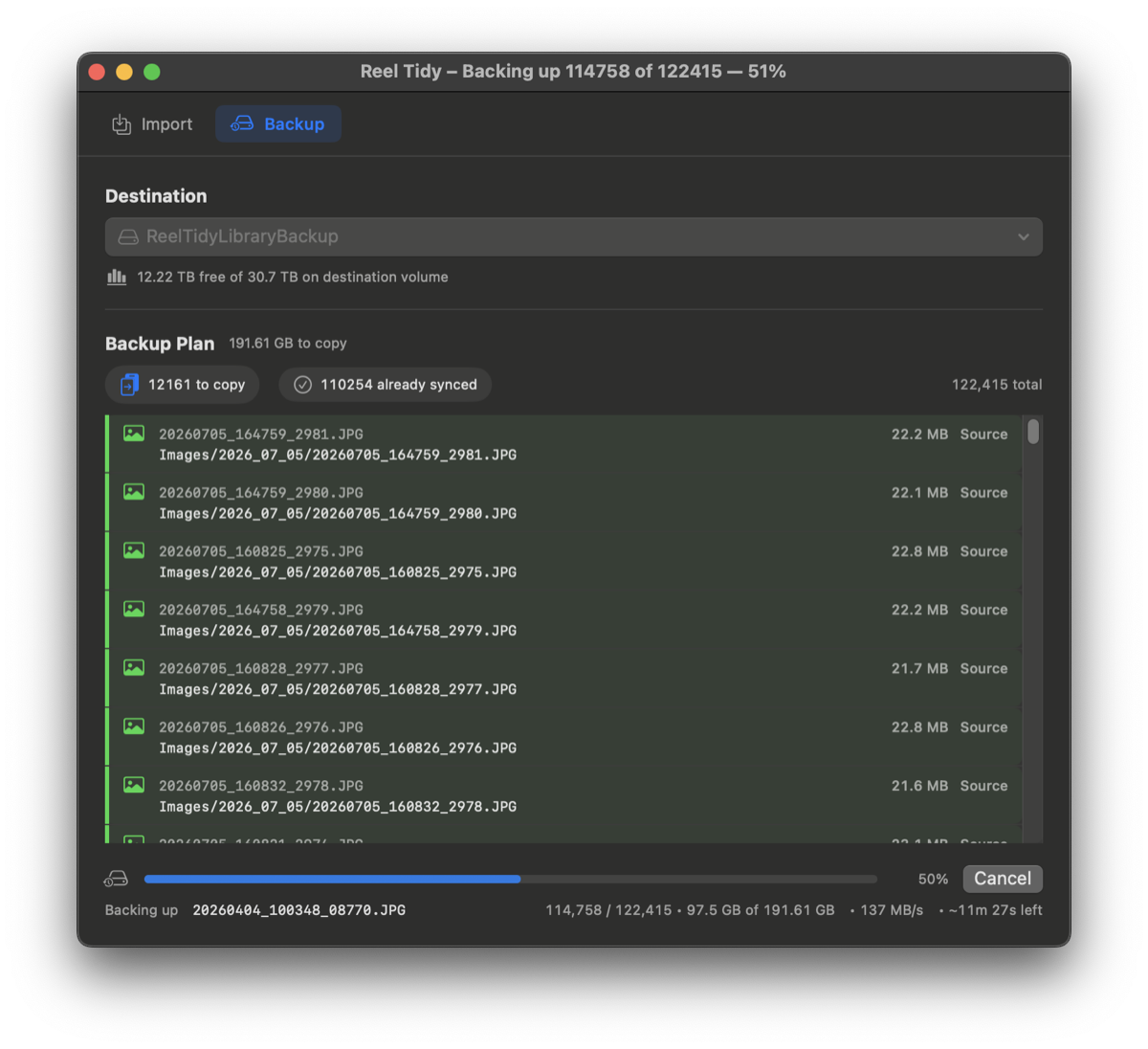
Backing Up Simplified
Mirror the library to another drive. No backup software, no hassle — and every re-run skips what is already there.
What it does
-
Knows your cards
Recognizes cards from Sony, Canon, Nikon, Fujifilm, Ricoh, Panasonic, Olympus, GoPro, DJI, and Insta360, and reads capture time from photo and video metadata alike.
-
See the plan first
The full import is listed before a single byte is written, with type filters and a “show only new” toggle. A pre-flight check reports the exact shortfall if the destination is too small.
-
It never deletes
Reel Tidy only ever copies. Nothing is removed from your card, and collisions are yours to resolve — skip, rename, overwrite, or decide each time.
-
Crash-safe by design
Every file is written under a temporary name and moved into place only once it is complete. Power loss or a force-quit can never leave a half-written file at a real filename.
-
Two bodies, no collisions
When two cameras produce the same filename in the same second, the camera serial disambiguates them. Both frames survive.
-
Camera-local time
Files are dated by the camera's own timezone, so a frame shot at 23:30 in Tokyo lands under the Tokyo day no matter where you import it.
-
Optional compressed copies
Write smaller JPEG or HEIC versions into a parallel
Compressed/tree as you import, and backfill shoots you imported before you turned it on. -
Built for long jobs
Progress in the Dock and the window title, a completion chime, auto-eject when the card is done, and your Mac kept awake until it is.
Support
Bug reports and feature requests go to the issue tracker on GitHub. It is the fastest way to reach us, and it keeps fixes visible to everyone. If you would rather not post in public, or you don't have a GitHub account, email works just as well.
Open an issue on GitHub Email james@rischio.studio
What to include
The bug report form asks for each of these, so you can work straight down it.
- Your macOS version and Mac model.
- Your Reel Tidy version, shown in the About window.
- The camera and card type involved.
- What you expected to happen, and what happened instead.
- A debug log — press ⌥⌘L to open the Debug Log window, then use its save button.
GitHub issues are public. Anyone can read what you post. Debug logs can contain file paths and volume names, so give yours a skim before you attach it, and leave out anything personal. If a log would reveal something you'd rather keep private, send it to james@rischio.studio instead.
Privacy
Reel Tidy collects nothing. That is not a policy choice layered on afterwards — there is no code in the app capable of collecting anything.
- No networking code of any kind. No analytics, no telemetry, no crash reporting, no third-party SDKs.
- No account, no login, no cloud service.
- The app is sandboxed. It can only reach folders you pick yourself in the system file picker, and those grants are remembered locally on your Mac.
- Your photos and video never leave your own drives. Reel Tidy copies between two places you chose.
- The only outbound link anywhere in the app is the About window's link to our studio site, which opens in your browser.